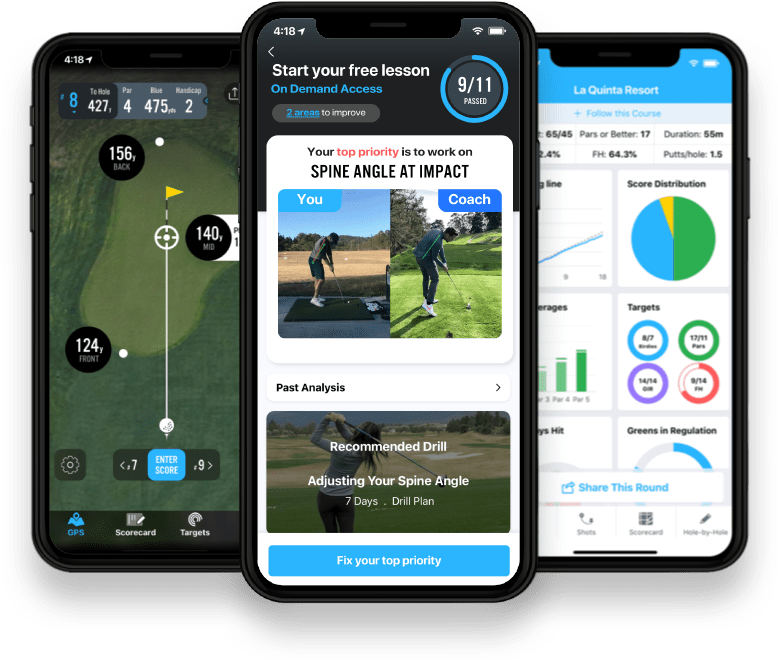
High-definition saves
Save swings in HD to see more detail in your clubface and posture and make faster, smarter adjustments.
 Try for Free
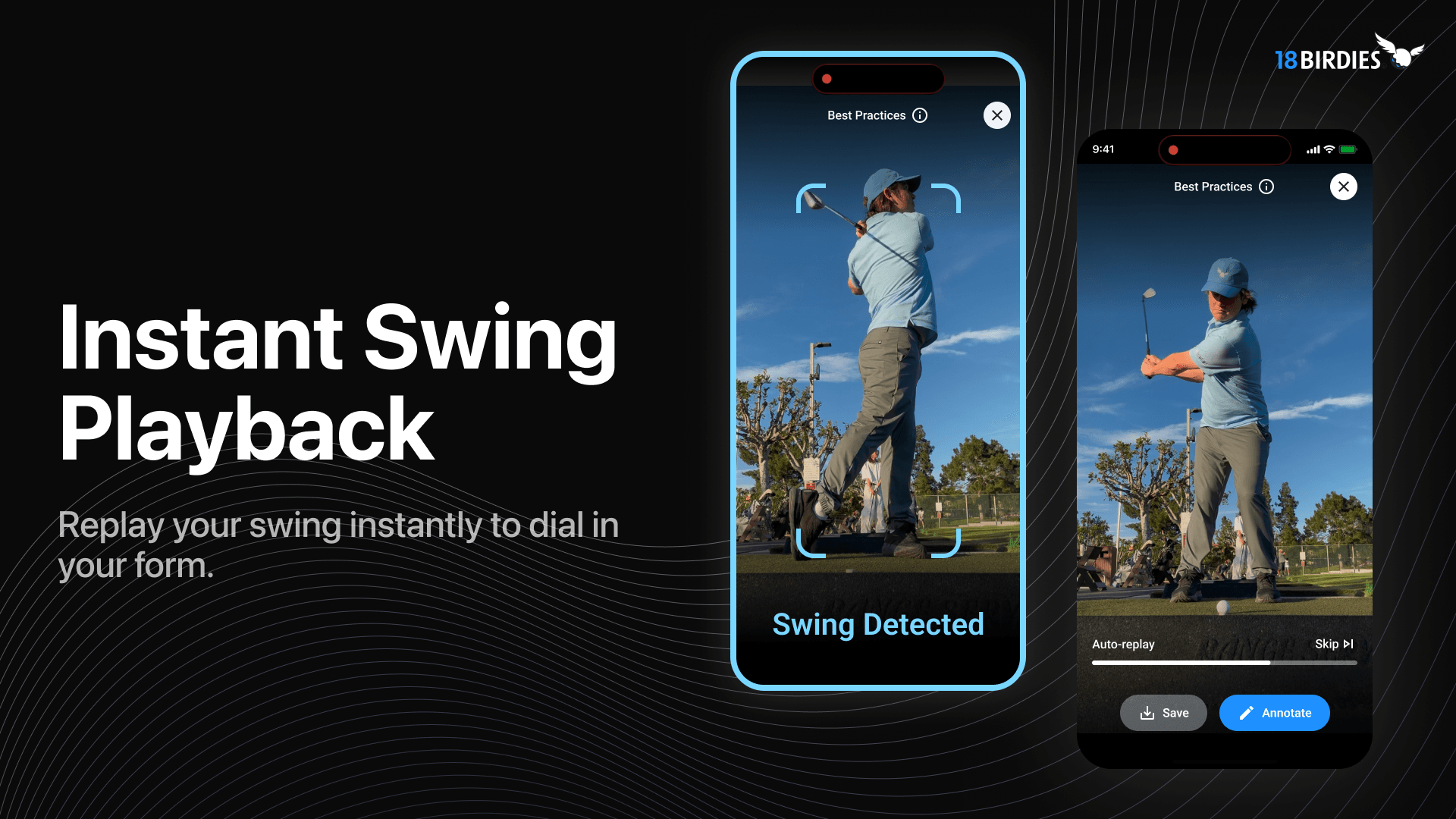
Instant Swing Playback turns your phone into an automatic swing replay tool at the range.
Instant Swing Playback automatically detects each swing, clips the video, and plays it back instantly so you can review each swing without stopping to manage the camera.
If you've ever worked on a swing change at the range, you know how easy it is to lose track of what's actually happening. A few swings start to feel better. Maybe your takeaway feels cleaner. Maybe you think you've finally stopped coming over the top or you're shallowing the club better. But without seeing it, you're never quite sure whether the change is real or just a good guess.
Filming your swing helps. Managing the filming usually does not. Setting up your phone, walking back to hit record, and reviewing clips between shots can interrupt the rhythm of your session. You end up finishing a bucket with two random videos and zero consistency for the rest of your shots.
Indoor simulators solved this years ago with instant replay after every shot. It's a great way to see your movement and make adjustments in real time, but it usually requires a reservation and a premium price tag.
We felt that kind of feedback should not be reserved for simulator sessions. It should be available anytime you head to the range.
So we built Instant Swing Playback. Start it once, prop your phone in position, and swing as you normally would. The app automatically detects each swing, clips the video, and plays it back instantly, first at full speed, then in slow motion, before resetting for the next shot.
You stay in your stance. You keep your rhythm. And you see exactly what just happened.
Instant Swing Playback works in three steps: set your phone once, hit balls normally, and review each swing as it replays automatically.
The app acts like a digital mirror during your practice session. Using your phone's camera and machine learning, it detects the moment you swing and automatically clips the video.
Place it face on or down the line so your full body is visible.
There is no need to press record between swings.
Each swing plays back automatically at full speed, then in slow motion, before resetting for the next shot.
Once it's running, there is nothing else to manage unless you choose to save a swing. The goal is simple: keep your practice session focused on your movement, not your camera.
Premium unlocks the full Instant Swing Playback toolkit: high-definition saves, manual and automatic annotation, Position Freeze Frames, Hands-Free Voice Commands, and coaching integration.
Every golfer on 18Birdies gets the core experience free: automatic swing detection, instant playback at full speed and slow motion, and standard-definition saves. Premium turns it into a complete analysis studio:
Save swings in HD to see more detail in your clubface and posture and make faster, smarter adjustments.
Draw your own reference lines, or let the app draw a head box, shoulder line, and spine angle automatically the moment you finish your swing.
Automatically pause your replay at Address, Top of Backswing, and Impact. No more scrubbing the timeline.
Say "NEXT," "REPLAY," "SAVE," or "SKIP" to control your session without ever touching your phone.
Send your swings to AI Swing Analyzer for instant feedback when you want another read.
Upload swings for a personalized breakdown from a certified coach, available to all users with a discounted rate for Premium members.
NewPremium just got a major upgrade. See everything in the latest update, including Position Freeze Frames, Automatic Annotations, and Hands-Free Voice Commands.
Visual feedback matters because feel is unreliable: a swing can feel different and look identical, and seeing each swing immediately connects what you feel to what actually changed.
Golf is a game of small margins. A few degrees in clubface or a slight shift in path can mean the difference between solid contact and a miss.
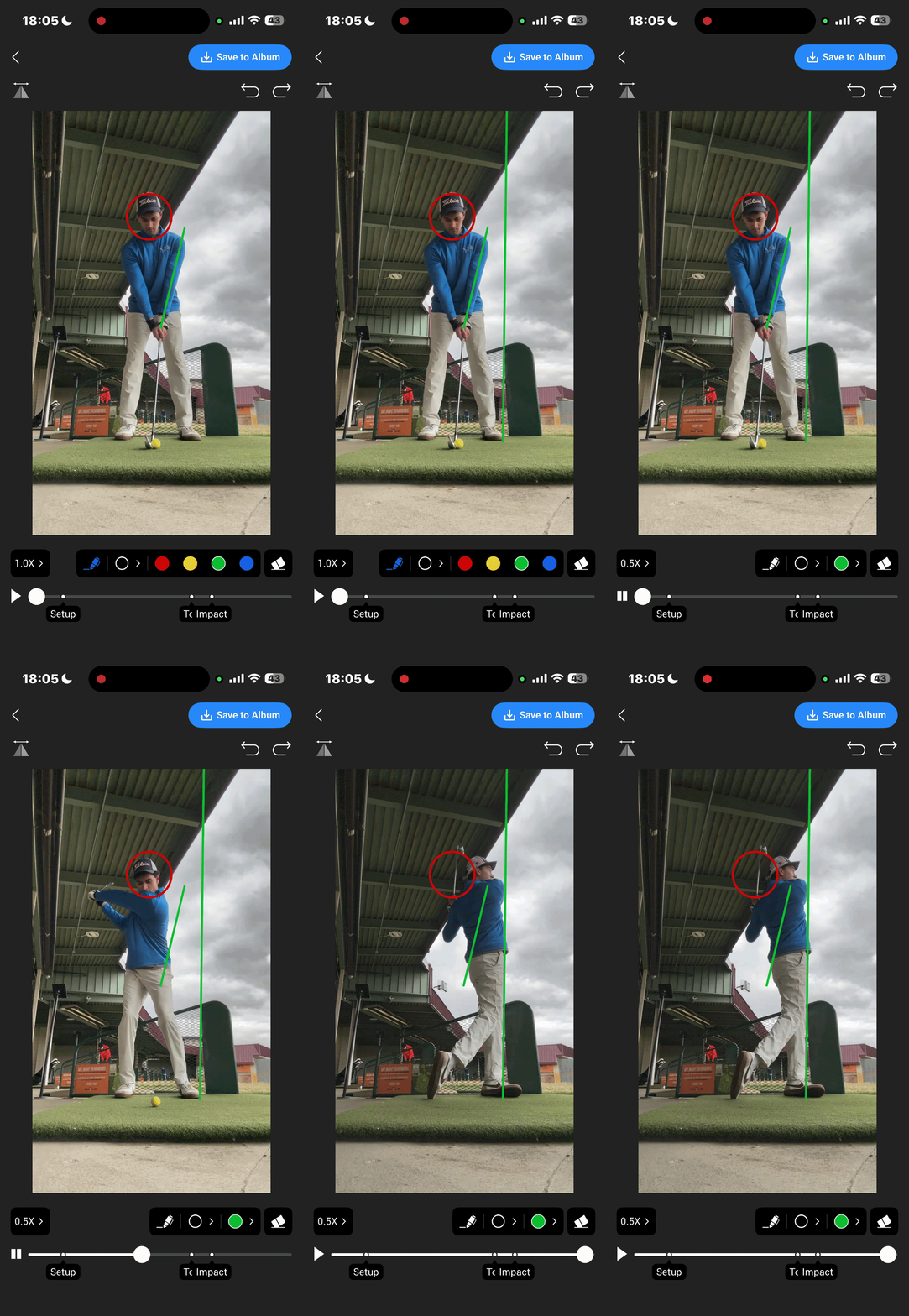
Premium: Slow it down, annotate, and see exactly what changed.
Seeing your swing immediately after you hit the ball helps connect those dots. You begin to understand which feels actually produce change and which ones do not.
Over time, that clarity makes practice more efficient. Instead of hitting balls and hoping something improves, you make small adjustments and see the result right away. That's how every ball in the bucket starts to matter.
Instant Swing Playback is currently available inside the 18Birdies app on iOS devices. All you need is your phone, something to prop it up, and a bucket of balls.
Better feedback leads to better practice. Better practice leads to better golf.
If you have any ideas or feedback, reach out to us at support@18birdies.com. We'd love to hear from you as we continue improving 18Birdies.
Instant Swing Playback automatically detects each swing, clips the video, and plays it back instantly at full speed and in slow motion before resetting for the next shot.
Open Instant Swing Playback in the 18Birdies app, set your phone so your full body is visible, hit balls as you normally would, and review each swing as it plays back automatically.
Yes. Start one session and 18Birdies detects, clips, and replays each swing automatically, so you do not need to walk back to your phone or press record between shots.
18Birdies Premium adds high-definition saves, manual and automatic annotation, Position Freeze Frames, Hands-Free Voice Commands, and coaching integration for golfers who want more detail from every swing.
The latest Instant Swing Playback update adds Position Freeze Frames, Automatic Annotations, and Hands-Free Voice Commands, available with 18Birdies Premium.
Instant Swing Playback is not yet supported on Android devices, but is supported on all iOS devices.
No special hardware is required. While a tripod might help you get the perfect angle, you can use a golf bag, a range bucket, or even a bench to prop up your phone. As long as the camera is stable and your full body is in the frame, you're good to go.
For the most accurate detection, place your phone about 7 to 10 feet away. You can set it up Face On (facing your chest) or Down the Line (behind you, looking toward the target). Just ensure your entire body, from the ground to the top of your backswing, is visible on the screen.
Yes. All 18Birdies users get the core experience free: automatic swing detection, instant full-speed and slow-motion replay, and standard-definition saves. Premium unlocks HD saves, manual and automatic annotation, Position Freeze Frames, and Hands-Free Voice Commands.
Currently, Instant Swing Playback is optimized for half to full swings. It's perfect for wedges, iron play, woods, and driver sessions. We are focusing on these higher-speed movements to ensure the auto-detection triggers reliably every time.
Yes. While the replays happen automatically during your session, you can choose to save your best swings directly to your camera roll or your 18Birdies profile with one tap. This makes it easy to track your progress over time or share a great drive with your friends.
Absolutely. As long as there is enough light for the camera to see your movement and enough space to fit your full body in the frame, the auto-detection will work. It's a great way to make net practice at home much more productive. You could even use it for shadow swings without a club.
Last updated August 2026 with the Position Freeze Frames, Automatic Annotations, and Hands-Free Voice Commands release.