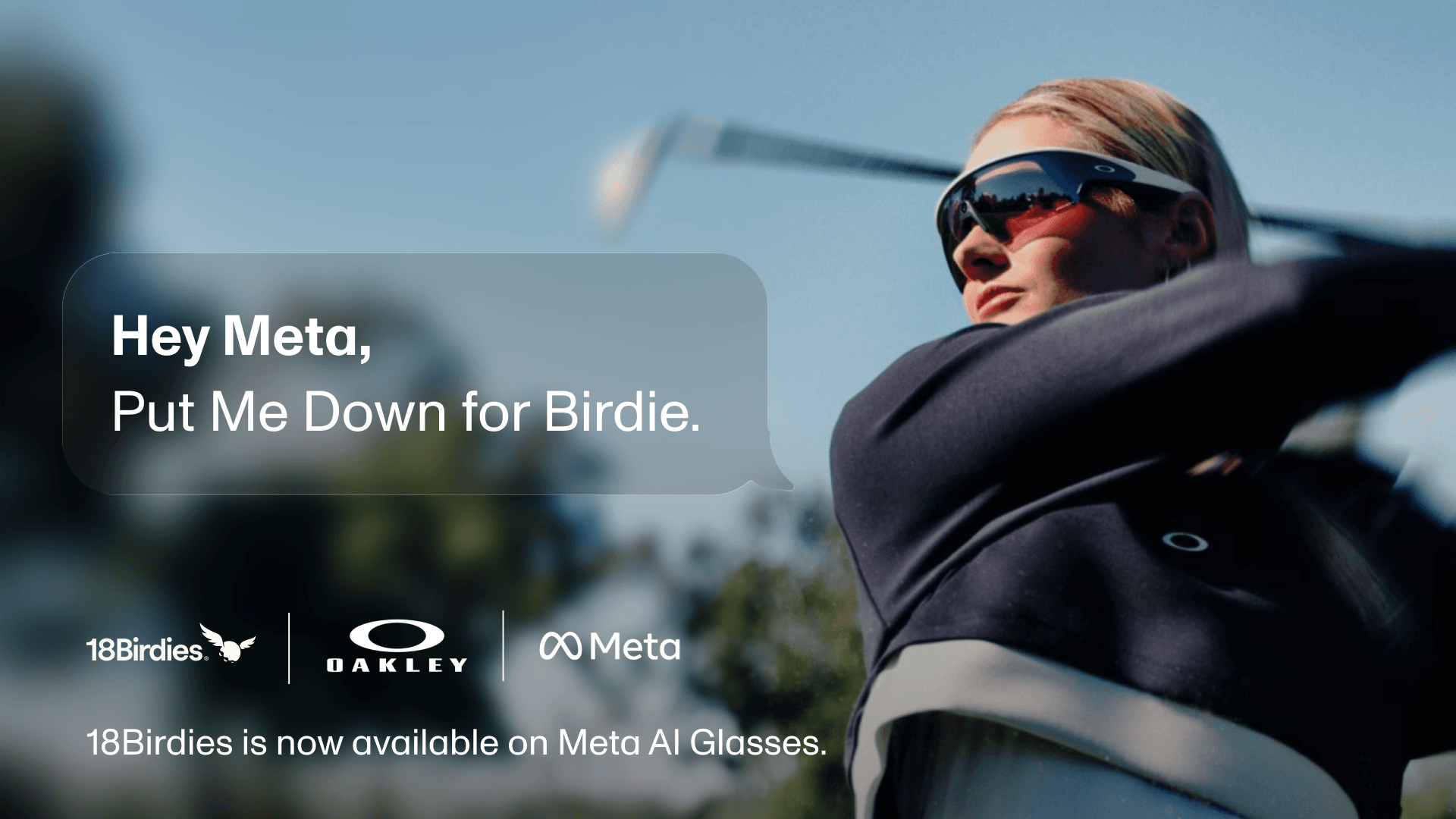
The next time you need a distance, club recommendation, score update, or help strategizing your next shot, you can simply ask.
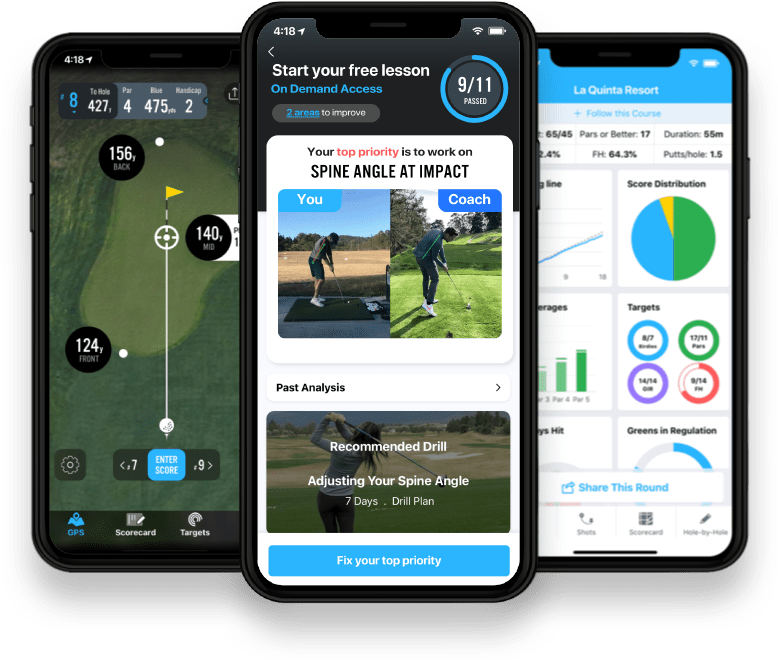
18Birdies is now available on Meta AI Glasses, giving golfers a new way to access their distances, scoring tools, stats, and personalized guidance they rely on throughout a round.
Start rounds, get distances, log scores, and make smarter decisions completely hands-free with 18Birdies on Meta AI Glasses.
To start, just say, “Hey Meta.”
18Birdies now works with Meta AI Glasses so golfers can use voice to access on-course information while their phone stays connected nearby.
See how 18Birdies works on Meta AI Glasses before setting it up for your next round.
A More Natural Way to Use 18Birdies on the Course
Golf is full of moments when the right information can make a difference. How far is it to the green? What is the wind doing? Which club fits the shot? Where should you aim?
With 18Birdies connected to Meta AI Glasses, you can ask naturally and hear real-time answers informed by the course, current conditions, and your own game.
Your phone stays connected nearby, while your glasses give you a new way to interact with 18Birdies without taking your eyes off the course. There are no exact commands to remember. Just ask naturally, get an answer, and play your next shot.
What You Can Do With 18Birdies on Meta AI Glasses
You do not have to memorize these phrases word for word. Ask the way you would normally ask on the course; as long as the key details are there, Meta AI can understand what you need.
Start a Round
Start your round with a natural voice request. Name the course and tee box, or let Meta AI ask the follow-up questions it needs.
Log Scores and Stats
Record your score and supported stats after each hole using your voice. 18Birdies confirms the hole and entry before saving it to your round.
Check Your Round
Ask for a quick update on your score or performance at any point during the round.
Get Distances
Ask for the distance to the green and get the yardage to the front, center, or back of the green.
Get a Club Recommendation
Ask 18Birdies which club fits the shot based on your Golf Bag and club distances.
Plan Your Next Shot
Premium members can ask for tee-shot strategy based on the 18Birdies Tee Shot Planner.
Check the Conditions
Get golf-specific weather information for the course you are playing, including wind, temperature, and current weather.
Capture the Moment
Take a photo or video from your glasses with a voice command. Photos and videos are saved to the Meta AI app.
Available to Every 18Birdies Golfer
The integration is available on all Meta AI Glasses models and to all 18Birdies users.
Features that are free in the 18Birdies app, including GPS distances, scoring, round stats, and weather, remain free through Meta AI Glasses. Premium features such as Plays Like Distance, club recommendations, and Tee Shot Planner guidance require an active 18Birdies Premium membership.
You will also need the Meta AI app, an active internet connection, and your phone nearby during the round. Your phone does not need to be in your hand and can remain in your pocket, golf bag, or cart.
GPS distances, scoring, round stats, and weather are available to every golfer. Premium features bring in Plays Like Distance, personalized club recommendations, and Tee Shot Planner guidance.
How to Connect 18Birdies to Meta AI Glasses
Connecting your accounts takes only a few steps:
- Download and open the Meta AI app on your phone.
- Pair your Meta AI Glasses with the Meta AI app.
- Open Settings and select App Connections.
- Select 18Birdies.
- Tap Connect and sign in to your 18Birdies account.
- Review the requested permissions and authorize the connection.
For the most reliable experience, allow both the 18Birdies app and Meta AI app to access your location at all times.
Once connected, start a round and say, “Hey Meta.”
For complete setup instructions, supported features, example voice requests, and troubleshooting help, visit our complete setup guide for 18Birdies on Meta AI Glasses.
Availability: The 18Birdies experience in the Meta AI App is currently available in the US and Canada, English only, with more countries coming soon.
The Next Way to Play With 18Birdies
This is not a replacement for the 18Birdies experience golfers already know. It is a new way to bring that experience into the flow of a round.
Your phone can stay in your pocket, golf bag, or cart while 18Birdies stays with you hands-free. Ask for the number, log the score, check the wind, capture the moment, and keep playing.
Need help getting connected? View setup instructions.
FAQ
What can I do with 18Birdies on Meta AI Glasses?
You can start rounds, get GPS distances, log scores and supported stats, check your round, ask for golf-specific weather, and use Premium features such as Plays Like Distance, club recommendations, and Tee Shot Planner guidance when eligible.
Do I need 18Birdies Premium to use Meta AI Glasses?
No. Free 18Birdies features such as GPS distances, scoring, round stats, and weather remain free through Meta AI Glasses. Premium features require an active 18Birdies Premium membership.
How do I connect 18Birdies to Meta AI Glasses?
Open the Meta AI app, pair your glasses, go to Settings, select App Connections, choose 18Birdies, then connect and authorize your 18Birdies account. You can also use the complete setup guide.
Where is 18Birdies on Meta AI Glasses available?
The 18Birdies experience in the Meta AI App is currently available in the US and Canada in English only, with more countries coming soon.