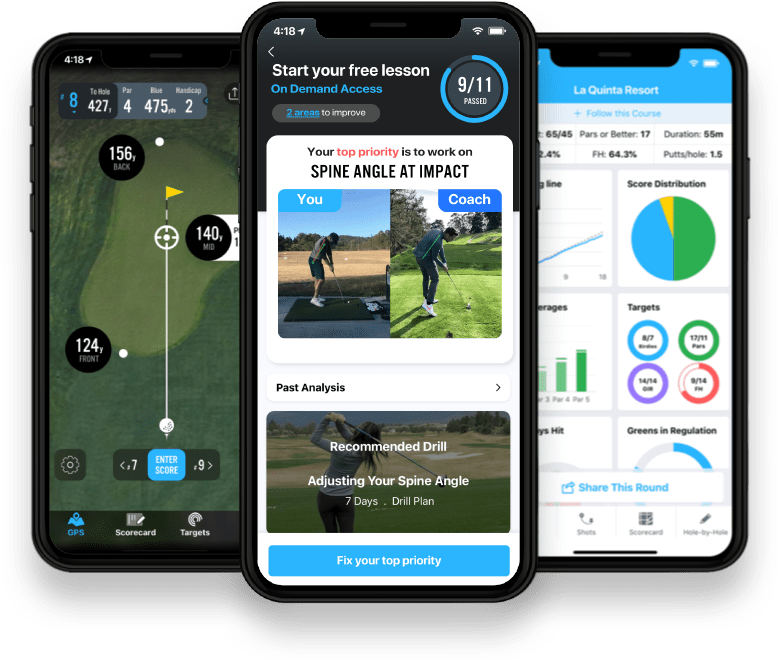
Some days it's a run. Some days it's a ride. And some days it's four hours chasing a little white ball around the golf course.
Golf might not be the first activity people think of when they open Strava. But anyone who's walked 18 holes on a warm summer afternoon knows it absolutely counts.
While a scorecard might list a course at 6,500 yards, most golfers actually walk 5 to 7 miles during a round. Between walking from hole to hole, around greens, and the occasional search for a wayward tee shot, it's not uncommon to finish the day with 10,000 to 15,000 steps. Even golfers riding in a cart often log a few miles on the course.
Golf is part of an active life, and now it's easier than ever to include it alongside the rest of your activities.
Introducing Strava Integration for 18Birdies
Simply connect your Strava account to automatically share completed rounds, making it easy to celebrate your golf journey with friends, family, and your broader Strava community.
Share Every Round Automatically
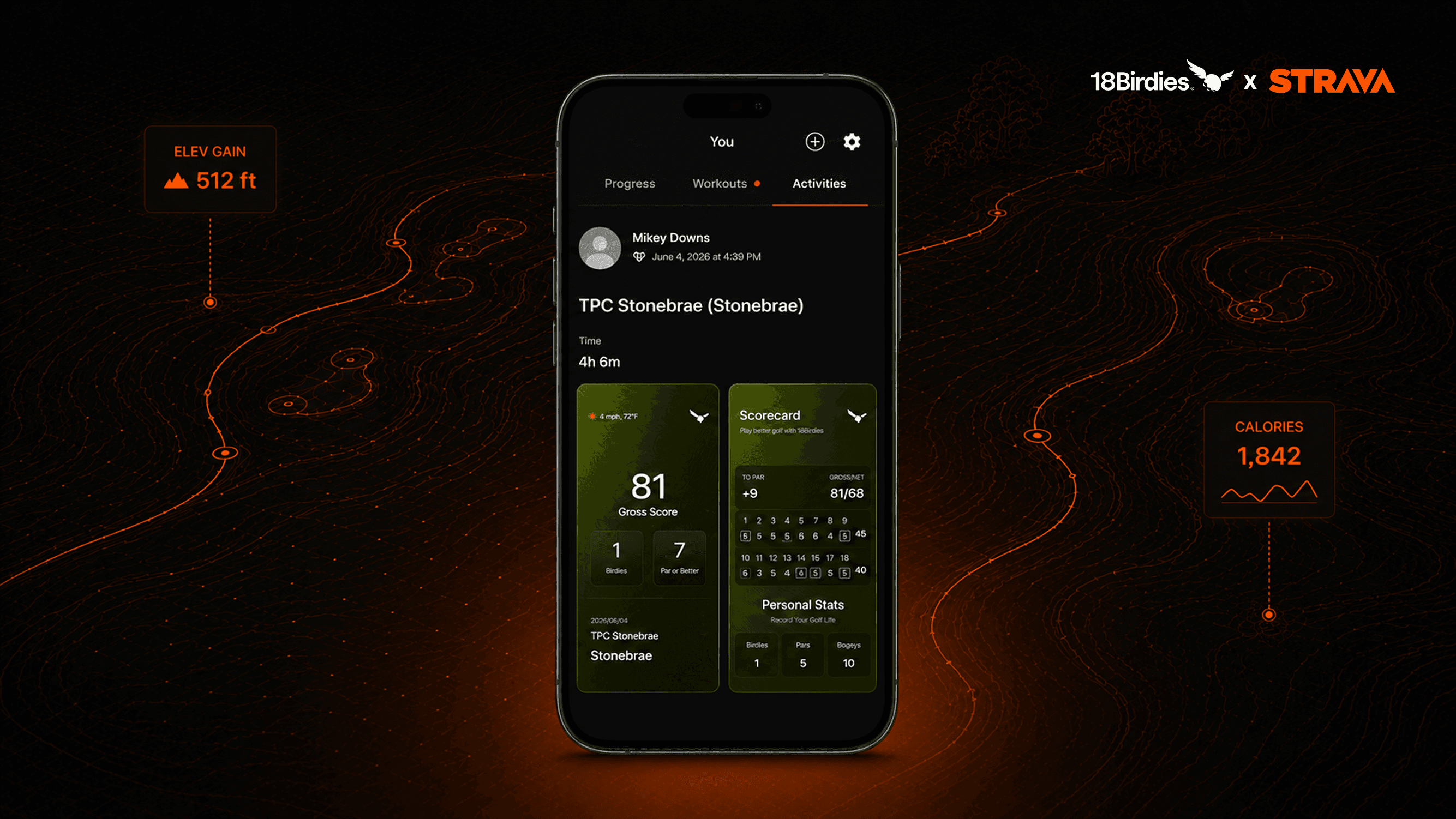
Once you connect your accounts, 18Birdies can automatically share your completed rounds to Strava after you confirm your scorecard.
Whether you're chasing a new personal best, playing your weekly league, or just squeezing in a quick nine after work, your golf activity becomes part of your Strava timeline alongside your runs, rides, hikes, and other adventures.
Only rounds with visibility set to Everyone in 18Birdies are automatically shared, and you can turn Auto-Sync on or off anytime.
Auto-Sync eligible rounds
Future completed rounds can sync to Strava after your scorecard is confirmed.
Manual sharing
Choose individual rounds to share from Round Summary whenever you want.
Privacy control
18Birdies controls what is eligible to sync, and Strava settings control visibility after sharing.
Your Golf Story, All in One Place
Golf is more than a score.
It's early morning tee times, sunset rounds, walking with friends, family competitions, bucket-list courses, and those rare days when every part of your game seems to click.
Now those moments can live alongside the rest of your active life in Strava. Your rounds become part of the same story as your runs, rides, hikes, walks, and workouts: where you went, who you played with, and the effort that made the day worth remembering.
Stay in Control of What You Share
Prefer to choose what gets shared?
You can turn Auto-Sync off at any time and manually share individual rounds whenever you'd like. Older rounds can also be shared manually from the Round Summary, making it easy to highlight memorable rounds from your golf journey.
Built for flexibility
Auto-Sync is there when you want sharing to be effortless. Manual sharing is there when a round deserves a little extra intention. Either way, you decide how your golf activity shows up.
How to Connect 18Birdies to Strava
Connecting your accounts only takes a minute.
- Open Me in 18Birdies.
- Tap the ... icon in the top right.
- Select Connected Apps & Devices.
- Choose Strava and connect your account.
To automatically share future eligible rounds, leave Auto-Sync Shared Rounds turned on after connecting your account. You can turn it off anytime from Connected Apps & Devices.
Need more help? Check out our How to Connect 18Birdies to Strava knowledge base article for complete setup instructions and troubleshooting tips.
Bring Golf Into Your Active Life
Connect 18Birdies to Strava, share the rounds you're proud of, and let your golf journey live alongside every run, ride, hike, and workout.
Connect 18Birdies to Strava